
Deadbotz 3 Mute Winter multipl3.7 - Get APK
You'll be able to download in few seconds.
Publisher Description
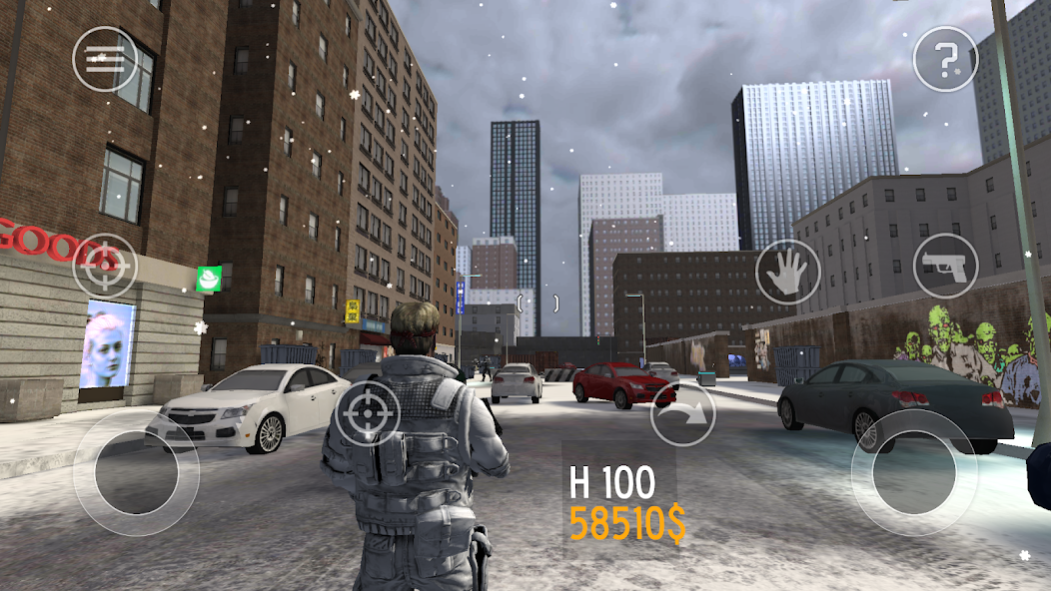
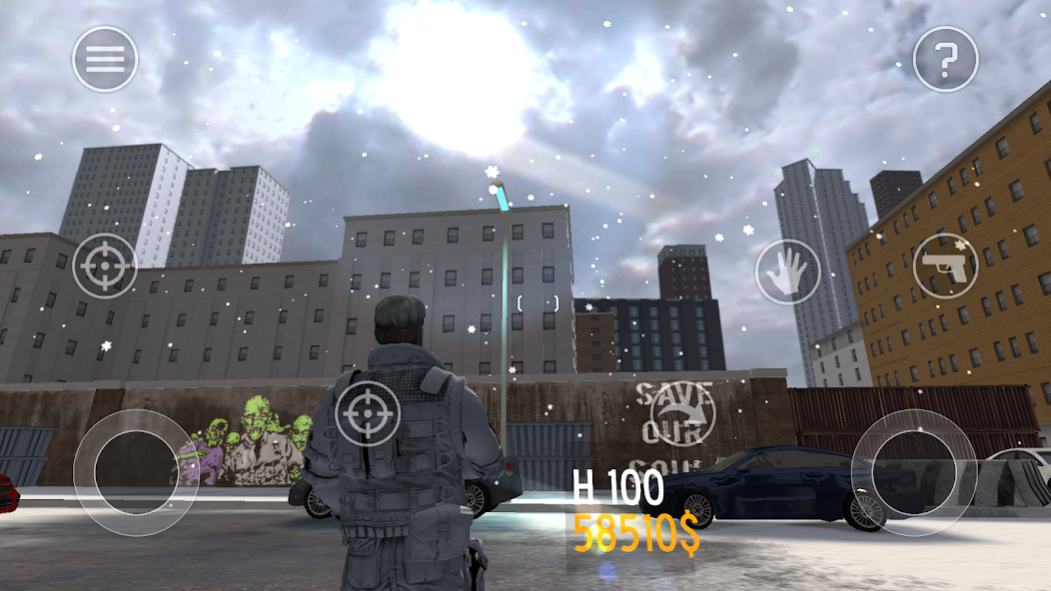
multiplayer offline / internet wifi pvp third person shooter game: Battle robot and cyborg divisions in the snow filled city
Collect: fireballs, health, credit and weapons: pulse rifle, machine gun, sniper rifle.
Single or PVP multiplayer mode over local WiFi and Internet
* How to play Singleplay *
Destroy cyborgs and mechbots. Collect medical-packs to increase your health. Collect rockets for extra damage.
Use left thumb on the left joypad to move John, use right thumb on the right joypad to make John fire in that direction when pressing one of the two weapon buttons. Don't forget to unholster your weapon first.
* New! How to play PVP Multiplayer (Internet) *
Press the 'Multiplay' button in the main menu to connect to the global internet play server. The ultimate DeadBotz challenge!
Shoot other players and collect their kill reward to gain credits.
Pickup weapons hidden around the city. You will need enough credits to pay for them.
* Local Multiplay PVP over WiFi *
Find the server players IP address from Android Cog menu
Server player selects Configure then Server then City Level
Client players select configure then Server IP then enter the server players IP then select multiplay
hot tip: you can play local multiplay with your friends anywhere by using the Android Hotspot feature on an Android phone.
About Deadbotz 3 Mute Winter multipl
The company that develops Deadbotz 3 Mute Winter multipl is Anjin Games. The latest version released by its developer is 3.7.
To install Deadbotz 3 Mute Winter multipl on your Android device, just click the green Continue To App button above to start the installation process. The app is listed on our website since 2018-10-05 and was downloaded 0 times. We have already checked if the download link is safe, however for your own protection we recommend that you scan the downloaded app with your antivirus. Your antivirus may detect the Deadbotz 3 Mute Winter multipl as malware as malware if the download link to com.iUnity.angryBots2 is broken.
How to install Deadbotz 3 Mute Winter multipl on your Android device:
- Click on the Continue To App button on our website. This will redirect you to Google Play.
- Once the Deadbotz 3 Mute Winter multipl is shown in the Google Play listing of your Android device, you can start its download and installation. Tap on the Install button located below the search bar and to the right of the app icon.
- A pop-up window with the permissions required by Deadbotz 3 Mute Winter multipl will be shown. Click on Accept to continue the process.
- Deadbotz 3 Mute Winter multipl will be downloaded onto your device, displaying a progress. Once the download completes, the installation will start and you'll get a notification after the installation is finished.
Program Details
System requirements
Download information
Pricing
Version History
version 3.7
posted on 2018-10-05
bug fix update
version 2.21
posted on 2016-04-02
UPDATE FOR MULTIPLAYER SUPPORT,* 2nd phase upgrade to stable server configuration,===The Lab@Anjin===
version 1.10
posted on 2012-12-04
Several fixes and updates
Disclaimer
External Download
We do not host Deadbotz 3 Mute Winter multipl on our servers. We did not scan it for viruses, adware, spyware or other type of malware. This app is hosted by Galad and passed their terms and conditions to be listed there. We recommend caution when installing it.
The APK Download link for Deadbotz 3 Mute Winter multipl is provided to you by apps112.com without any warranties, representations or guarantees of any kind, so access it at your own risk.
If you have questions regarding this particular app contact the publisher directly. For questions about the functionalities of apps112.com contact us.
